
Master Your Mood in Minutes



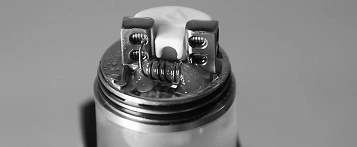
What’s Inside the Pioneer Box?
Mouthpiece
B-Cart
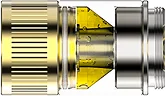
A-Cart
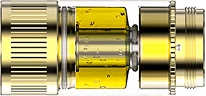
M-Cart
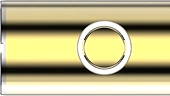
LED Button
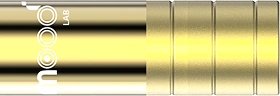
Core Battery
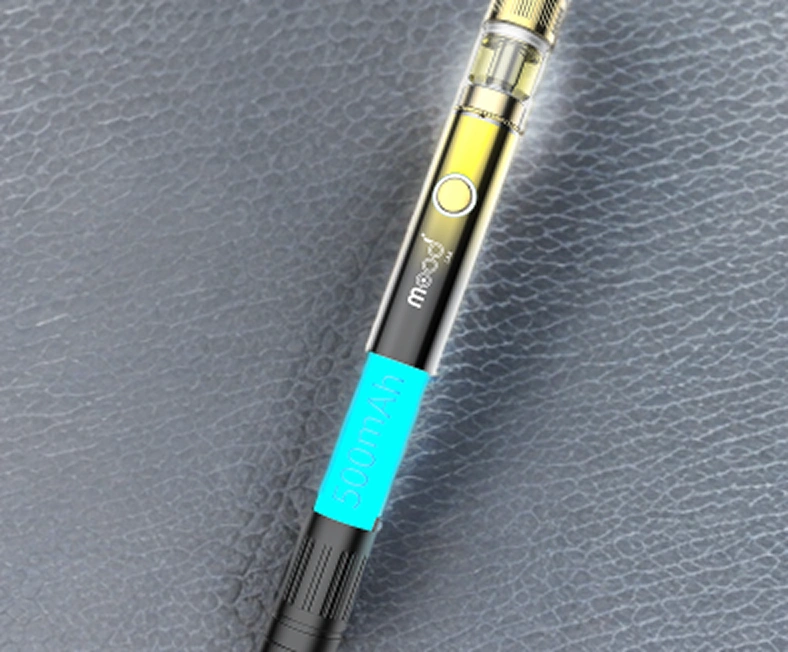
Core Battery
AI-Optimized Smart Control
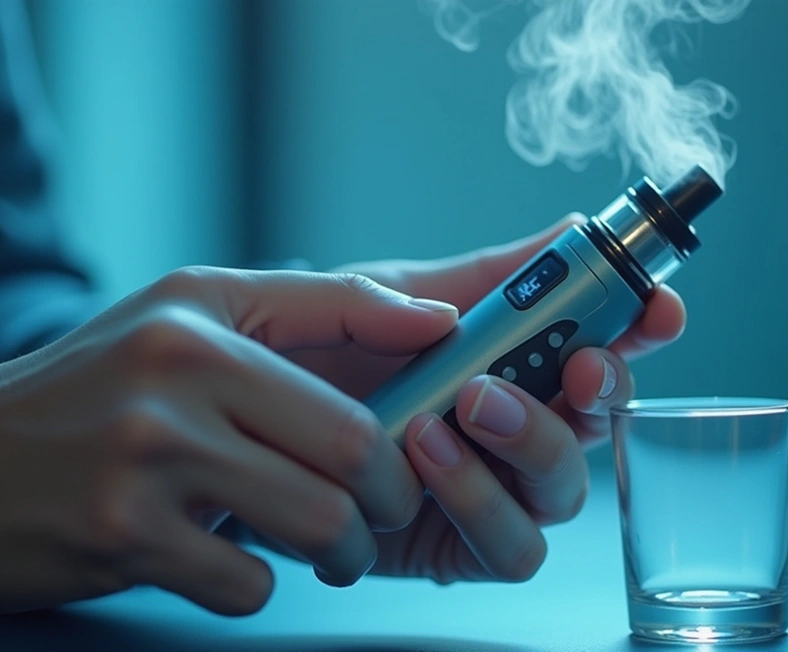
Mouthpiece
Ergonomic design for smooth airflow & pure flavor experience
Explore Cartridge Collection
Ultimate Personalized Experience
Master Cartridge
M-Cart
High-potency THC & CBD extracts









Type A Cartridge
A-Cart
CBD & THC
Flavor & Cooling






Type B Cartridge
B-Cart
CBD & THC
Flavor & Cooling







Quick Start – Fast to Action
Step 1
Pick Your Mood
Choose pre-set or custom moods from the Mood Library
Step 2
Install the Cartridges
Insert the M-Cart, A-Cart, and/or B-Cart properly.
Step 3
Turn On & Start Vaping
Press 5 times to power ON/OFF & enjoy.
Discover the Perfect Mood for You
Tailored Moods. Effortlessly Delivered.
Fitness & Recovery



Energy & Productivity
Fitness & Recovery
Energy & Productivity


Micro
Dosing
Classical Experience
Micro
Dosing
Classical Experience

Stress
Relief

Sleep
Optimized

Stress
Relief
Sleep
Optimized
Unlock the Full Potential of Moodi.
Download Mood Lab App Now.